
0
Licensing the Software
Explore & Learn / On Demand Learning / Project Boot Camp
- Open the Licenses tile within the Canary Admin.
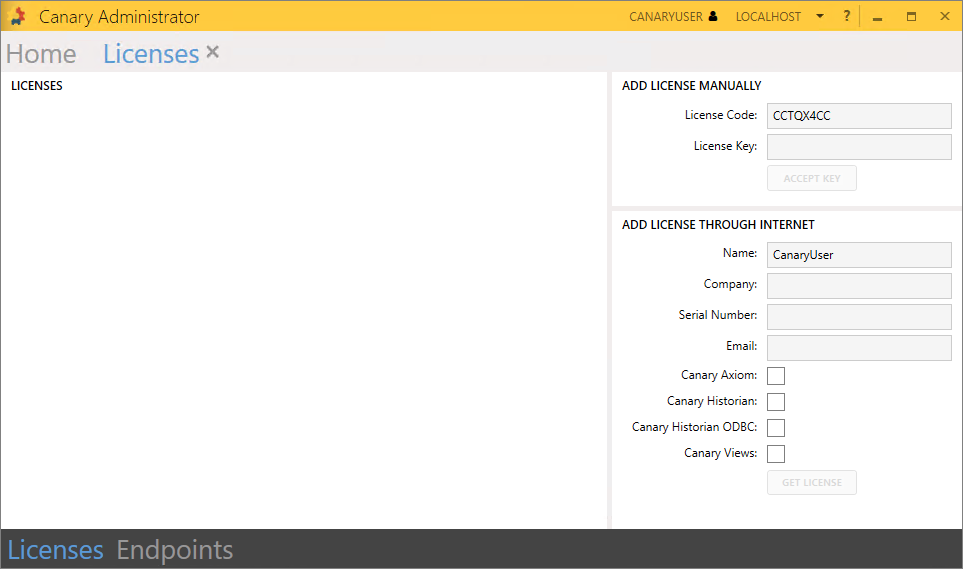
- If your machine has internet access, fill out the information under the ADD LICENSE THROUGH INTERNET window on the right using the Serial Number provided to you by your Canary representative.
If your machine does not have internet access, learn how to license the software manually using the License Code from the ADD LICENSE MANUALLY window.
- Select Canary Axiom and Canary Historian. If the ODBC service and ODBC client were installed, select Canary Historian ODBC. If the Excel Add-In was installed, select Canary Views.
- Click GET LICENSE.
- A popup menu will appear and the licenses will be displayed if they were successfully pulled.
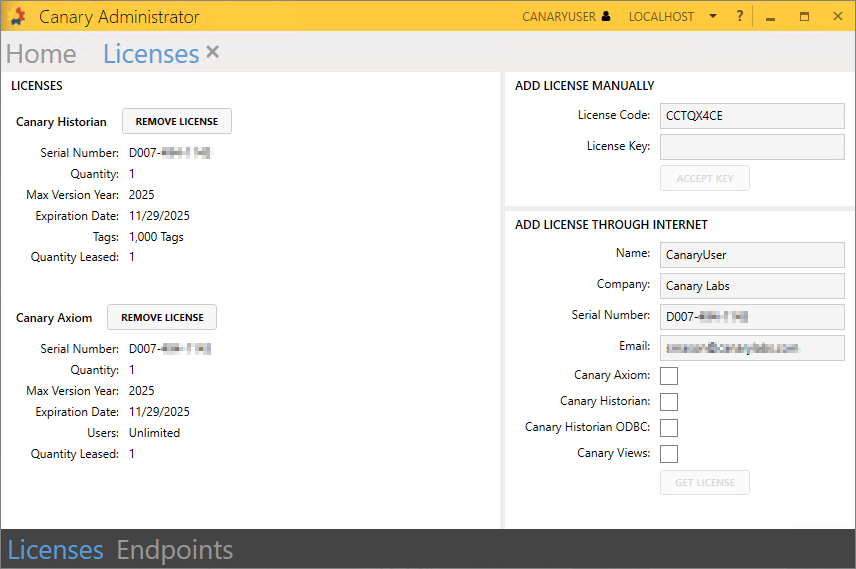
For more information on Licensing, see Licensing Tile.
 Print this page