
0
Publisher
Explore & Learn / On Demand Learning / Project Boot Camp
This module covers Canary's Publisher service. The Publisher connects to the Views service to read real-time data from the Historian to send it to 3rd parties using MQTT, Kafka, or a websocket connection. Since we are already using a local Mosquitto broker to log data from, we will demonstrate the MQTT option using a Sparkplug B payload.
Configuring the Publisher
- Open the Publisher tile from the Canary Admin. By default, an example connection already exists which targets a local MQTT broker.
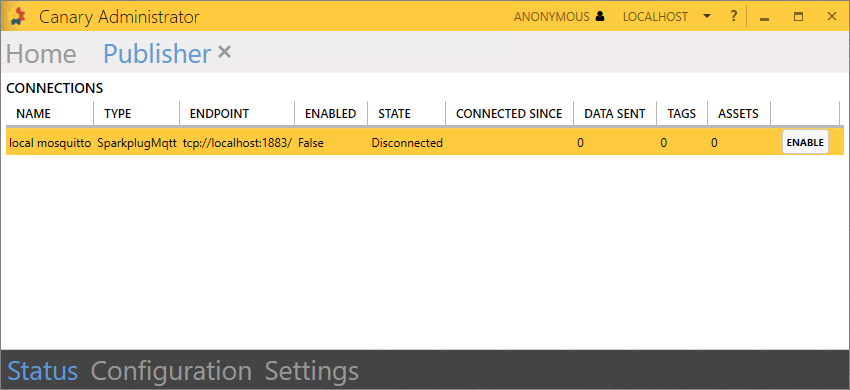
- You can modify the existing connection settings by navigating to the Configuration screen, or click the ENABLE button to start sending data using the predefined settings.
The existing connection publishes data from the {Diagnostics} DataSet to the Sparkplug B topic, spBv1.0/Canary/+/Publishing/Service.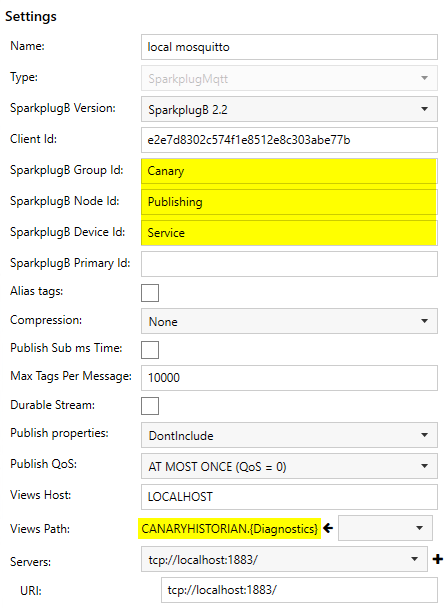
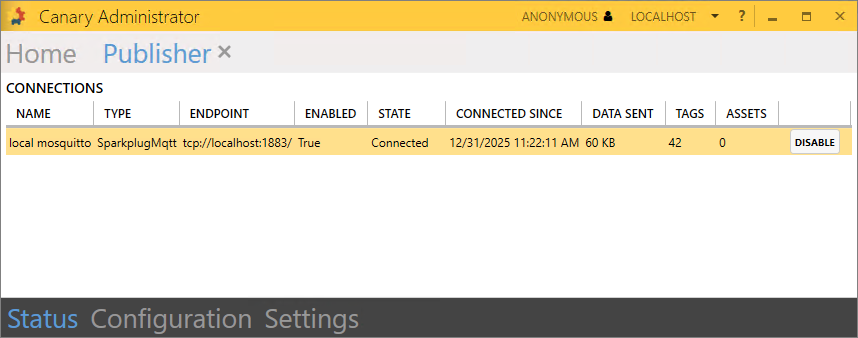
- Once the connection has been enabled, the session will display the amount of DATA SENT and the number of TAGS.
You can further verify tags are reaching the Mosquitto broker by opening the MQTT Collector tile>Configuration screen and selecting the Tags table from either the Comal or Guadalupe connection group. Since both sessions are configured to subscribe to all Sparkplug B topics within the broker, these tags should appear in the list.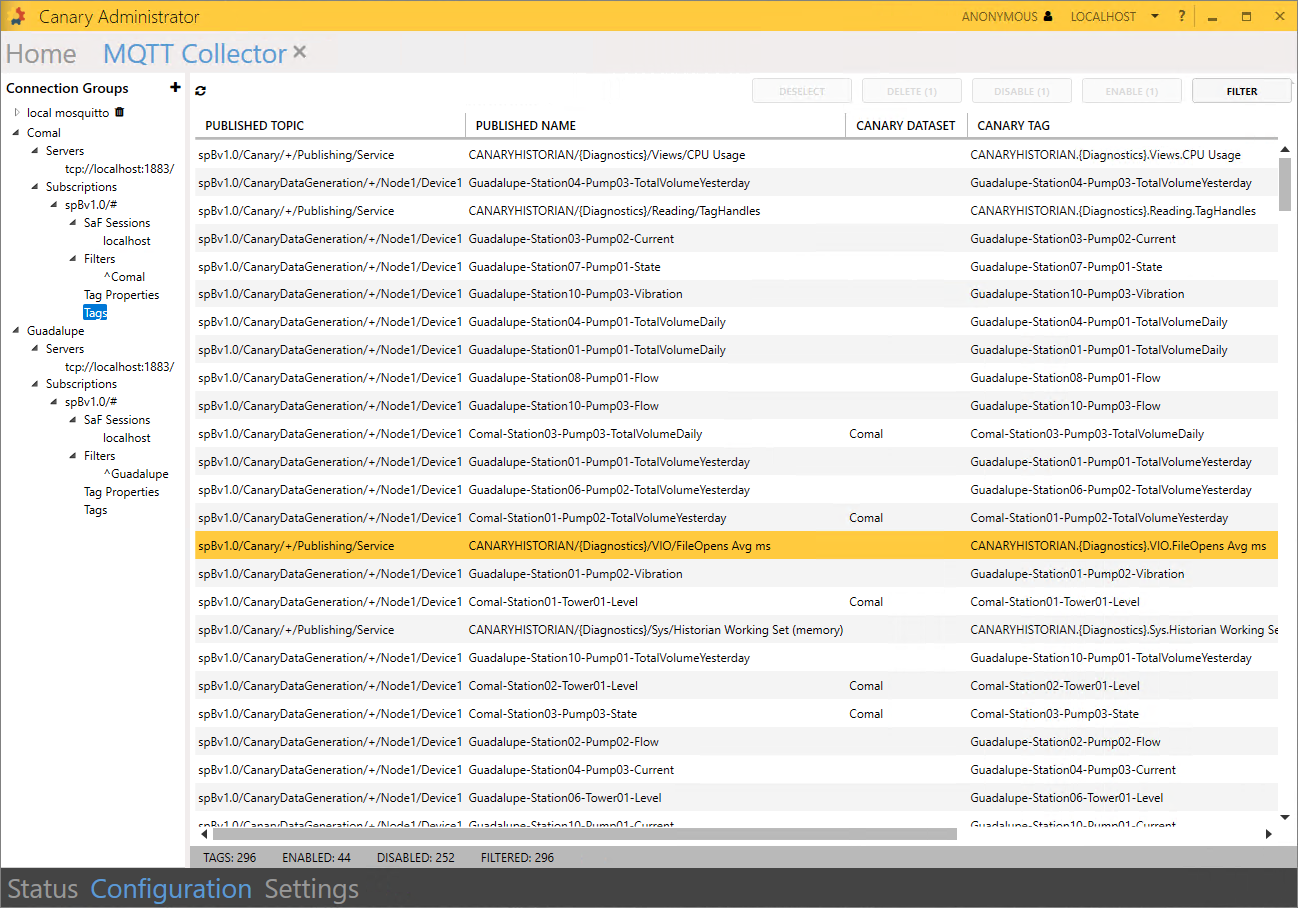
 Print this page