
0
Installing the Software
Explore & Learn / On Demand Learning / Project Boot Camp
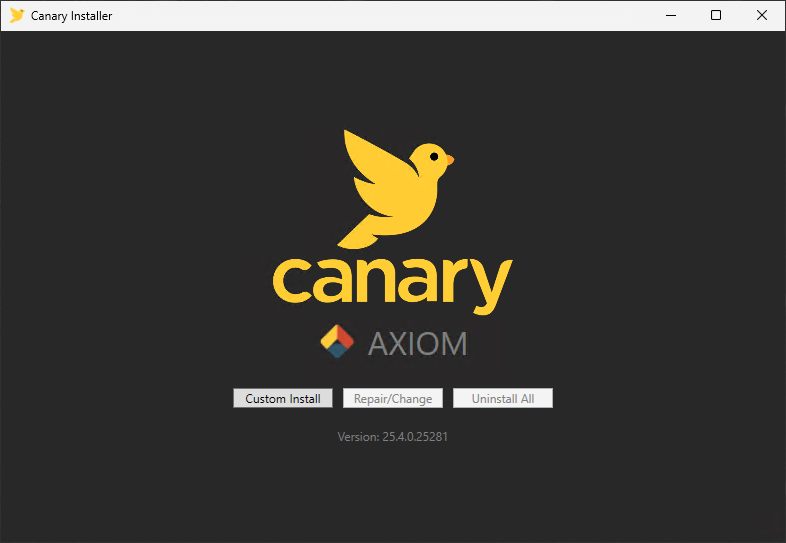
- Run the CanaryInstaller.exe as an admin and select Custom Install.
- Check the following components.
More components can be selected as desired if wanting to install/test other components of the software. The project will only utilize the applications depicted above.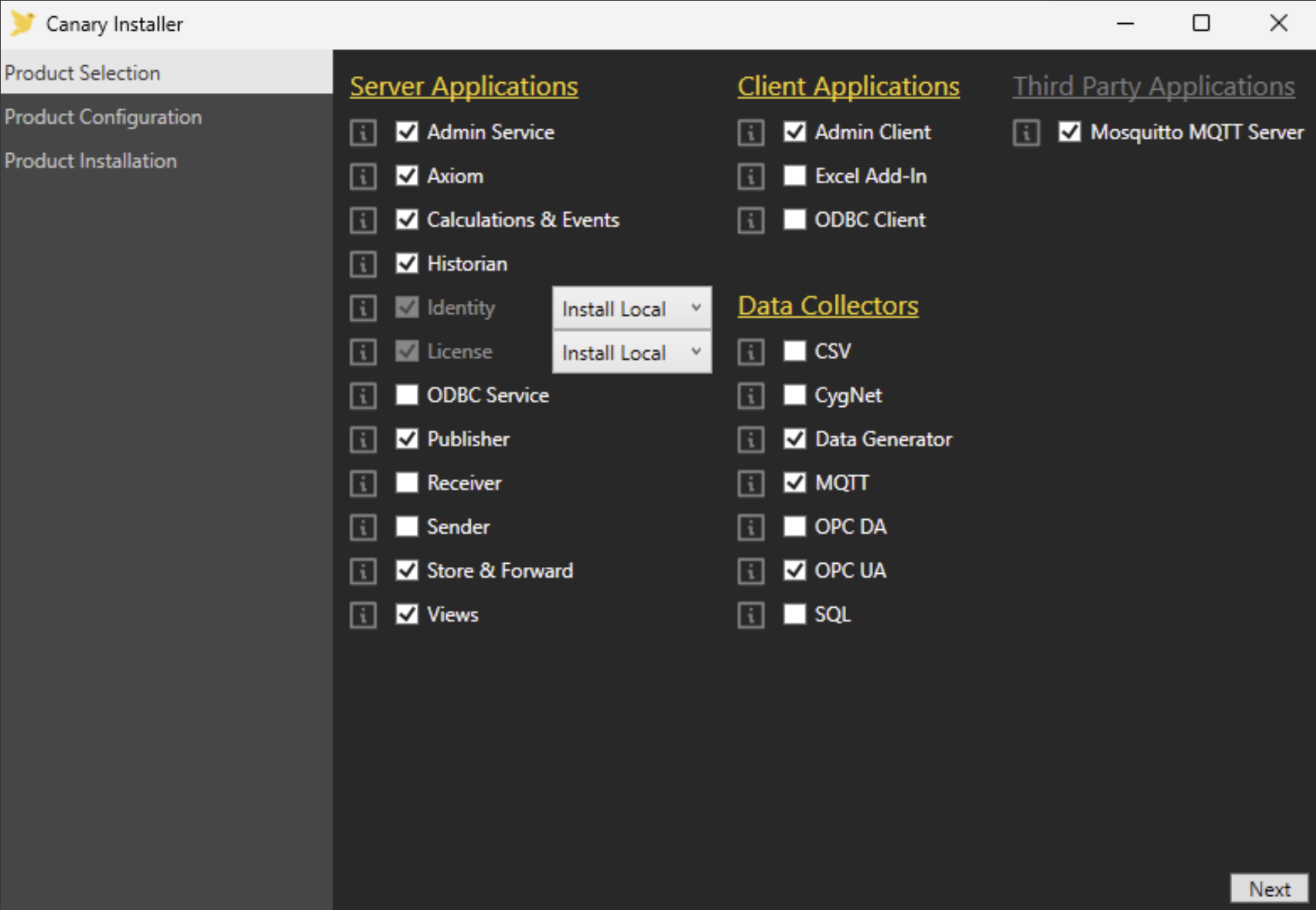
Ensure the Identity and License applications are set to a local installation.
If you already have an MQTT server available for testing purposes, you do not need to include the Mosquitto MQTT Server.
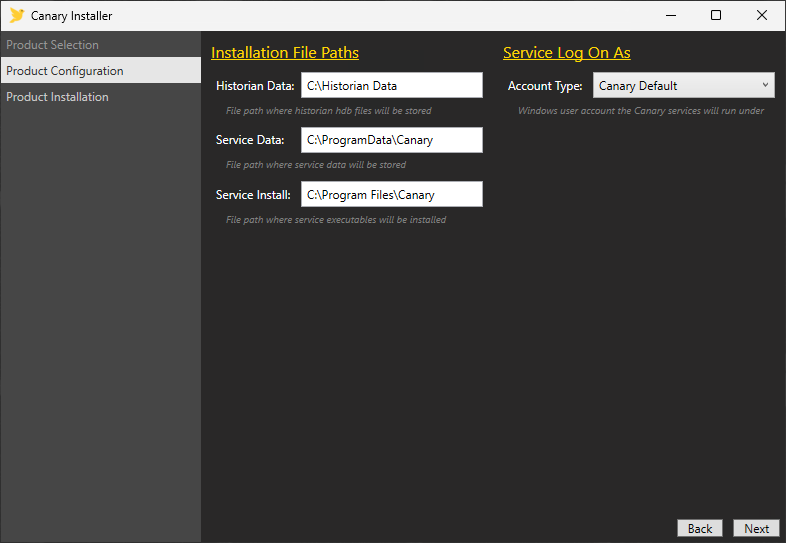
- Click Next and set the installation locations.
- Click Next to review the components to be installed and click Install.
If choosing to install the Mosquitto MQTT Server, its install wizard will appear after Canary's products have been installed.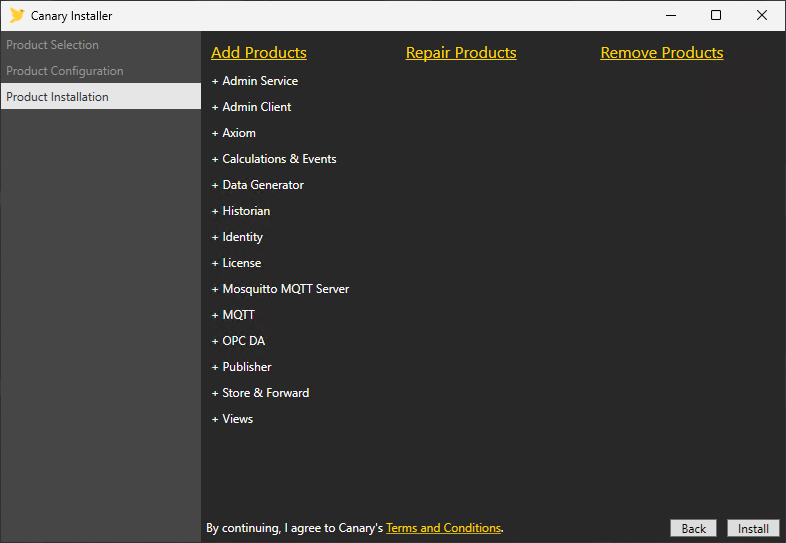
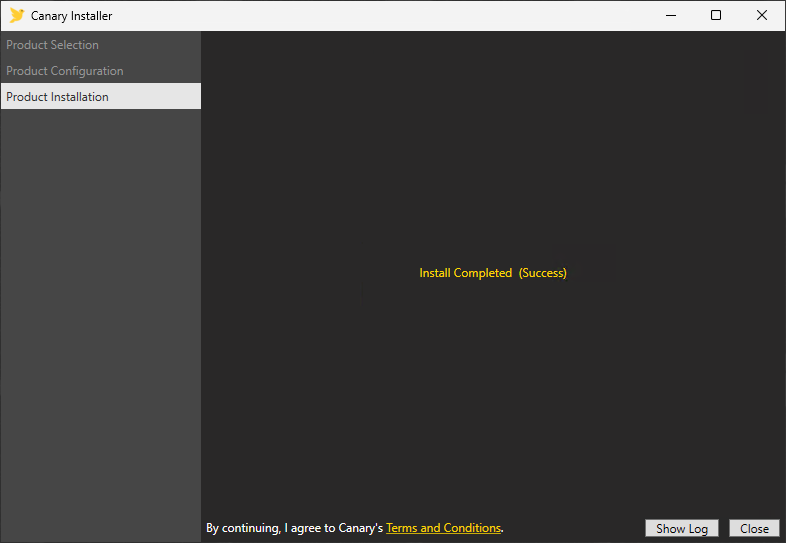
- A confirmation screen will appear when installation is complete. Click Close.
For more information on installing Canary's software, see Installing the Canary System.
 Print this page