
0
How to Enable the Enhanced Audit Log (EAL) (version 26)
Knowledge Base / Version 26 / System Admin Duties / General
The Enhanced Audit Log is used to record audit messages whenever changes are made within the Canary system.

To enable this feature:
- Open the Canary Admin
- Select the Messages tile and navigate to Configuration>Verbosity.
- Check the box to Enable EAL.

When enabled, audit messages will be written to both the Default message log as well as the Enhanced Audit Log.
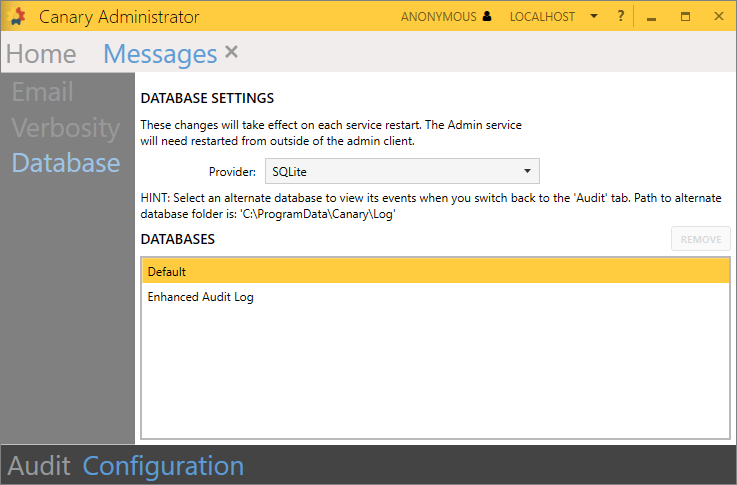
Messages logged in the Default database are trimmed after 1 year (or if the log exceeds 1.5 millions messages). Messages stored in the Enhanced Audit Log are stored indefinitely.
 Print this page