
0
Axiom Scripting Documentation (version 26)
Knowledge Base / Version 26 / Client Tools / Axiom / General
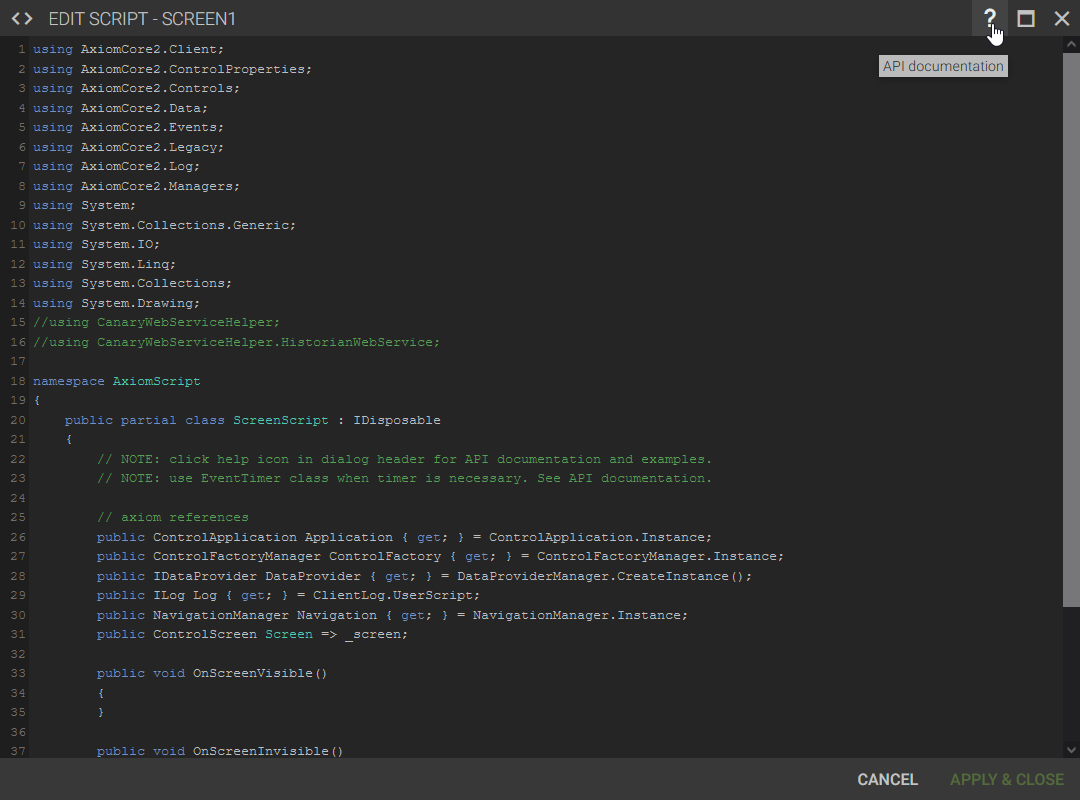
Axiom supports C# scripting for custom functionality within its applications. Documentation can be found at axiomscripting.canarylabs.com or by clicking on the ? icon when the EDIT SCRIPT menu is open.
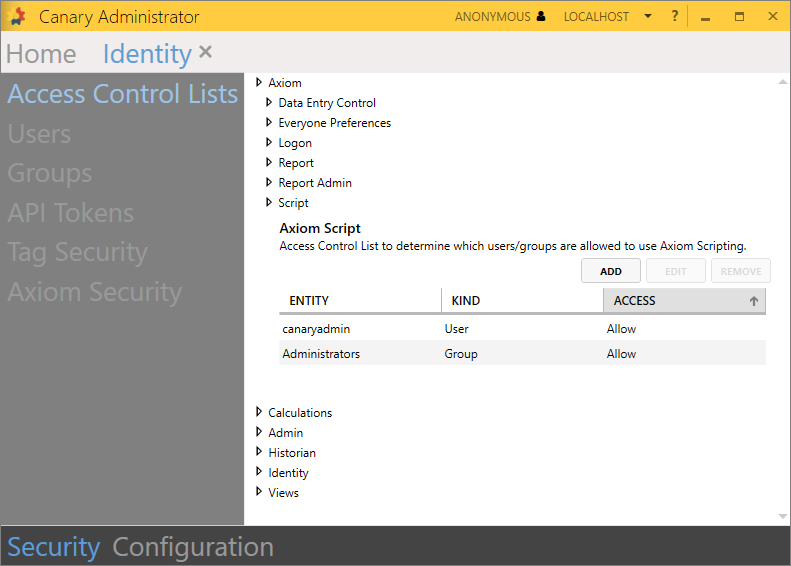
Users must be on the Axiom>Script ACL within the Identity tile>Security>Access Control Lists to utilize scripting within Axiom applications.
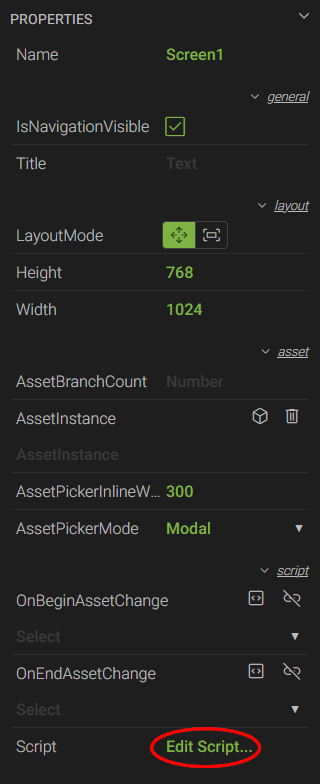
A user can edit the script of an application by selecting the Screen control then selecting the Edit Script... link under the PROPERTIES menu in the bottom-left.
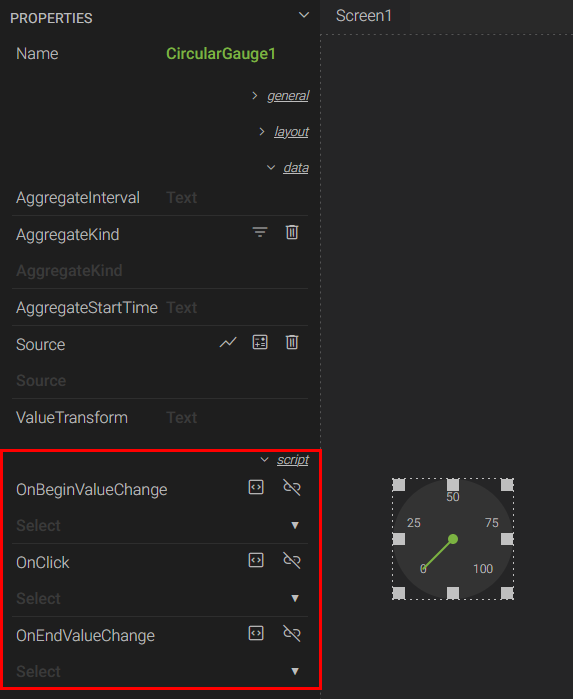
If a control has any available scripting functions, they will appear under the script category in the PROPERTIES menu. The user can add the function by selecting the <> icon next to the function name.
 Print this page