
Axiom scheduled report get deleted if Axiom.Reports got error at scheduled time.
Hi,
We recently upgraded canary Version from V 22 to V25.5.
I have scheduled some reports and first day the report generated and I received email with pdf.
Today I noticed the email for report came with "Axiom report failed to generate".
when I look in the message tab in admin tool it says it can’t to find the application and is being removed from report for user xx.
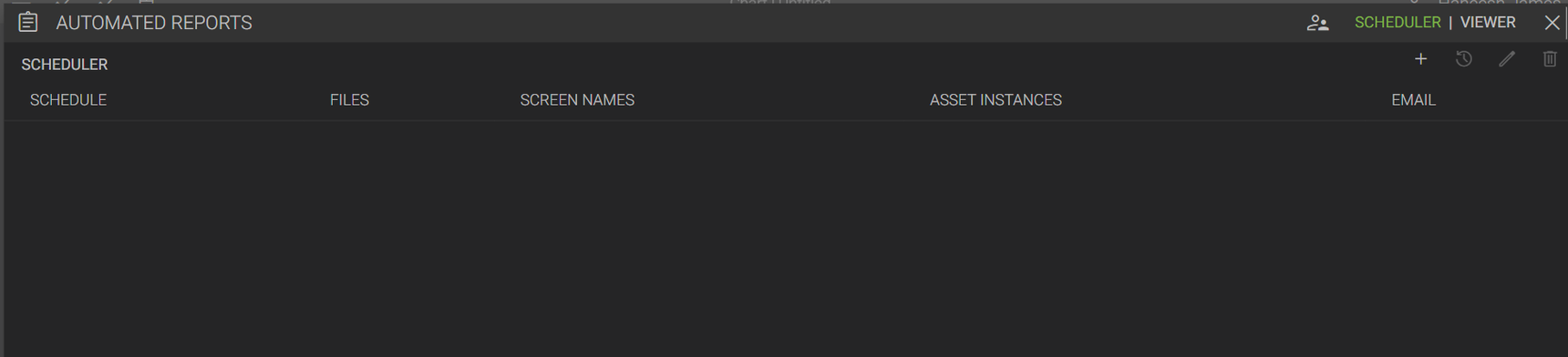
Strange thing noticed is that it actually deleted the schedule report with the emails in axiom application.
My concern is that I have noticed in the past in V22 sometimes the whole reporting will not be generated and I have to force to stop and restart axiom in Service in Admin tool to fix the issue. So, if that occurs again will it delete all the schedule reports and have to recreate all the schedules again.
Is anyone noticed this bug or just me with V25.
Regards,
Haneesh

2 replies
-
I noticed this too on v25.6. I had a report with four charts that I had moved to a different folder. The report errored when it couldn't find the files and removed them from the report and the entire report was missing. If this wasn't a report I had built myself it would have been a lot more difficult to recreate.
The individual chart/application should be flagged as missing inside the reports window instead of being removed. It would also be nice to be able to reassign, rearrange and delete individual applications/charts from reports. If the first chart was missing and removed I would have to re-add everything to get the pages in the same order.
-
So this is the expected behavior, although it may be too aggressive. Currently, if a report cannot find the charts/applications it needs, it cannot run. We had to choose between leaving stale reports out there or cleaning them up. This was before v25.5 when we introduced the ability to manage these reports. With v26.0, we added even more functionality so admins can change ownership of reports. With the new report management in place, we've added a work item to no longer remove the report itself. Users will still get alerts if the reports fail, then they or an admin can modify the report as needed.
Content aside
 Print this page
- Status Acknowledged
-
1
Votes
- 5 mths agoLast active
- 2Replies
- 181Views
-
3
Following